For SMM freelancers and small agencies
Clients approve in one tap. Reports arrive automatically.
One workspace per client, their logo on top, every network in one queue. Stop chasing approvals in chat and building reports by hand on the 1st of the month.
What changes
Three chores that eat your Fridays
-
Screenshots of posts in WhatsApp, “ok” lost in 40 messages
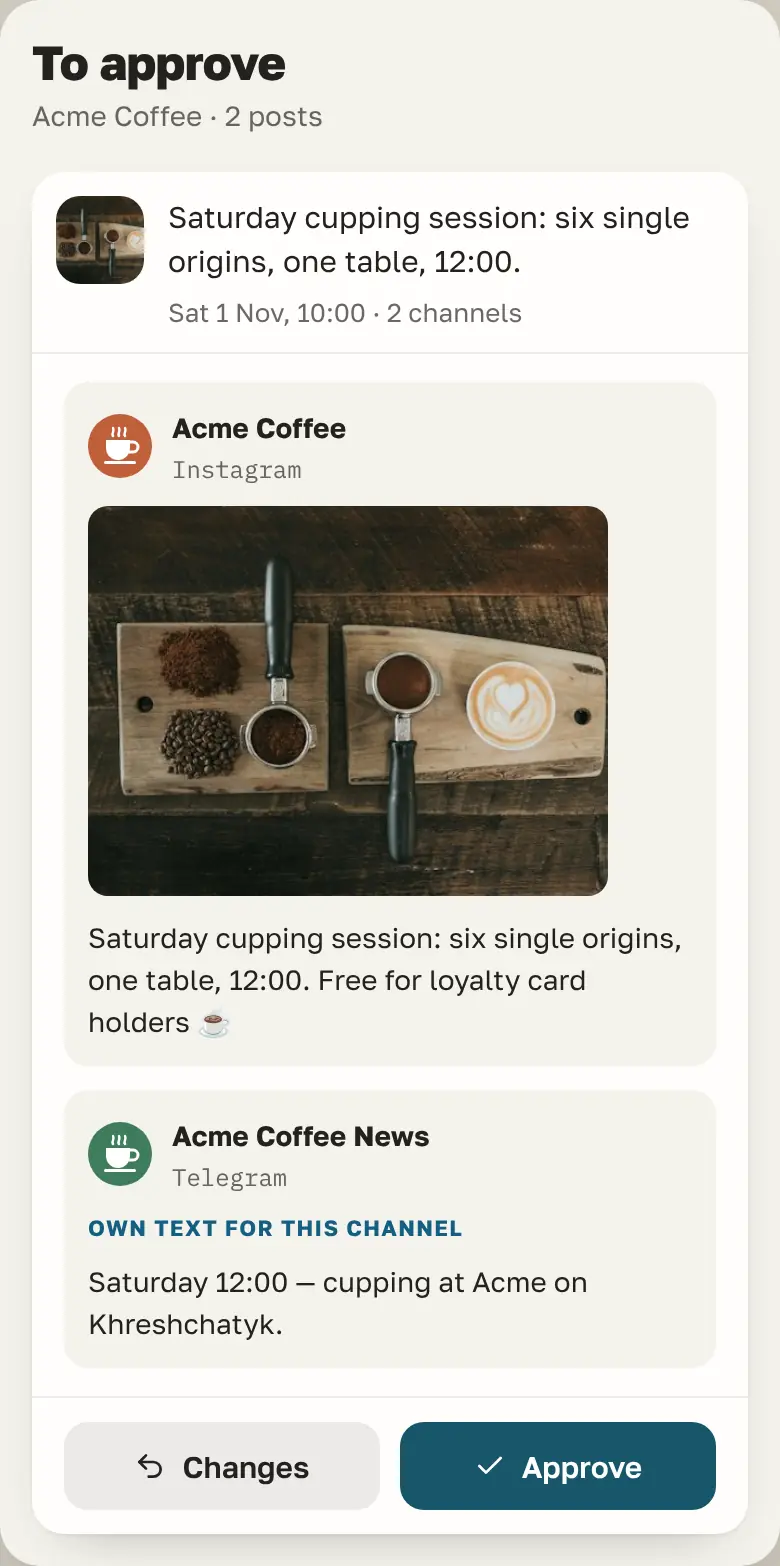
Approval lives on the post
The client opens a link, sees the post as it will look, approves or comments. You get notified.
-
Copying numbers from six dashboards into slides
The report is already built
PDF with reach, engagement and clicks for the month, sent to the client on a schedule.
-
Logging in and out of eight Instagram accounts
One login, every client
A workspace per client with their logo. Switch in one click; nothing leaks between clients.
A client week in Posto
From a content plan to a sent report
-
Mon · Plan
Import the month
Pull the content plan from Google Sheets or CSV. Posts land in the client’s time slots.
-
Tue · Write
Write and design
Design in Canva without leaving the post.
Free in beta, on request The AI copywriter knows each client’s brand voice.
-
Wed · Approve
Client signs off
The Client role, approve or request changes, a comment thread on each post.
-
1st · Report
Report goes out
Scheduled PDF or a live link, with a short written summary of what worked.
The queue
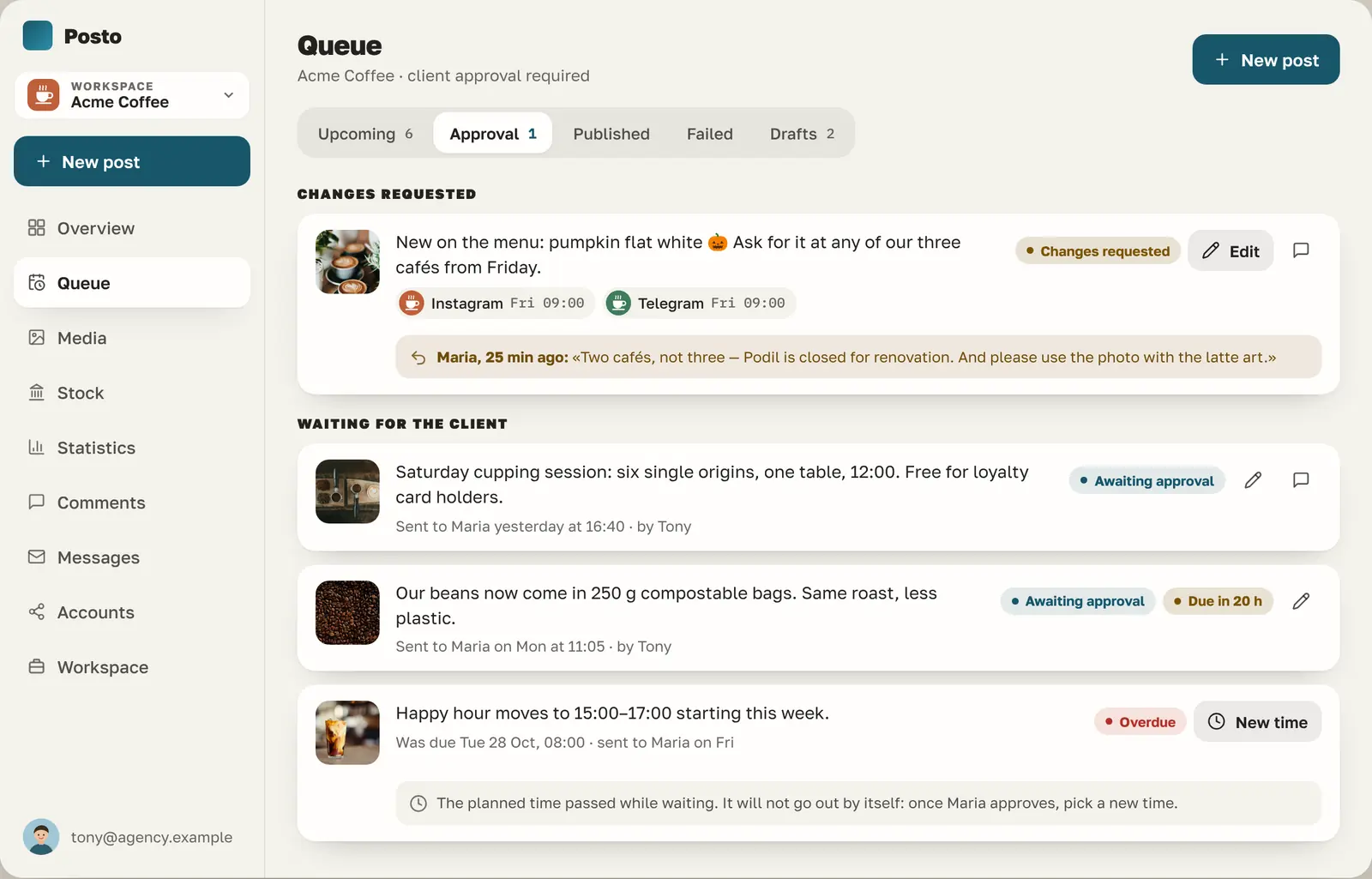
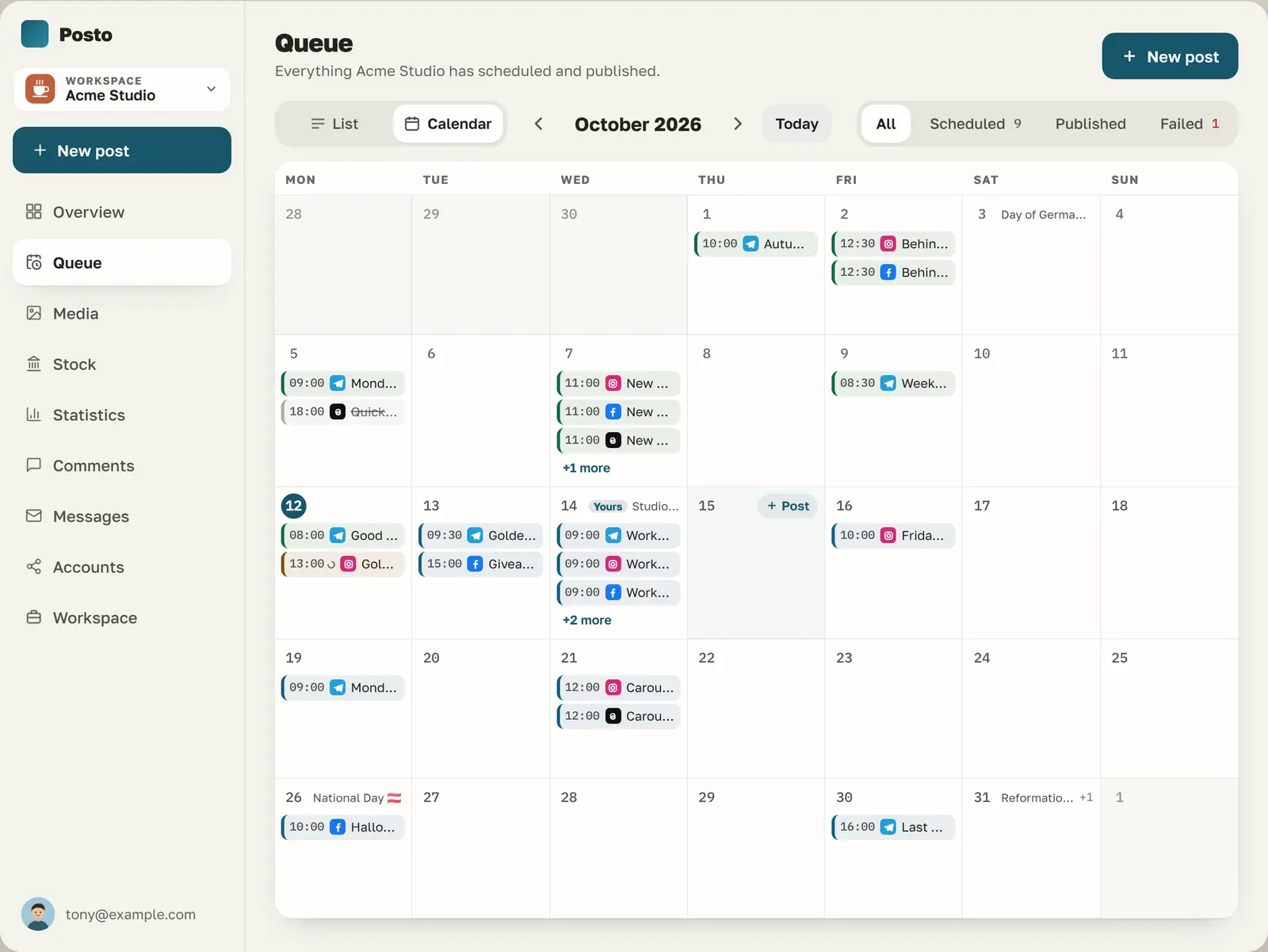
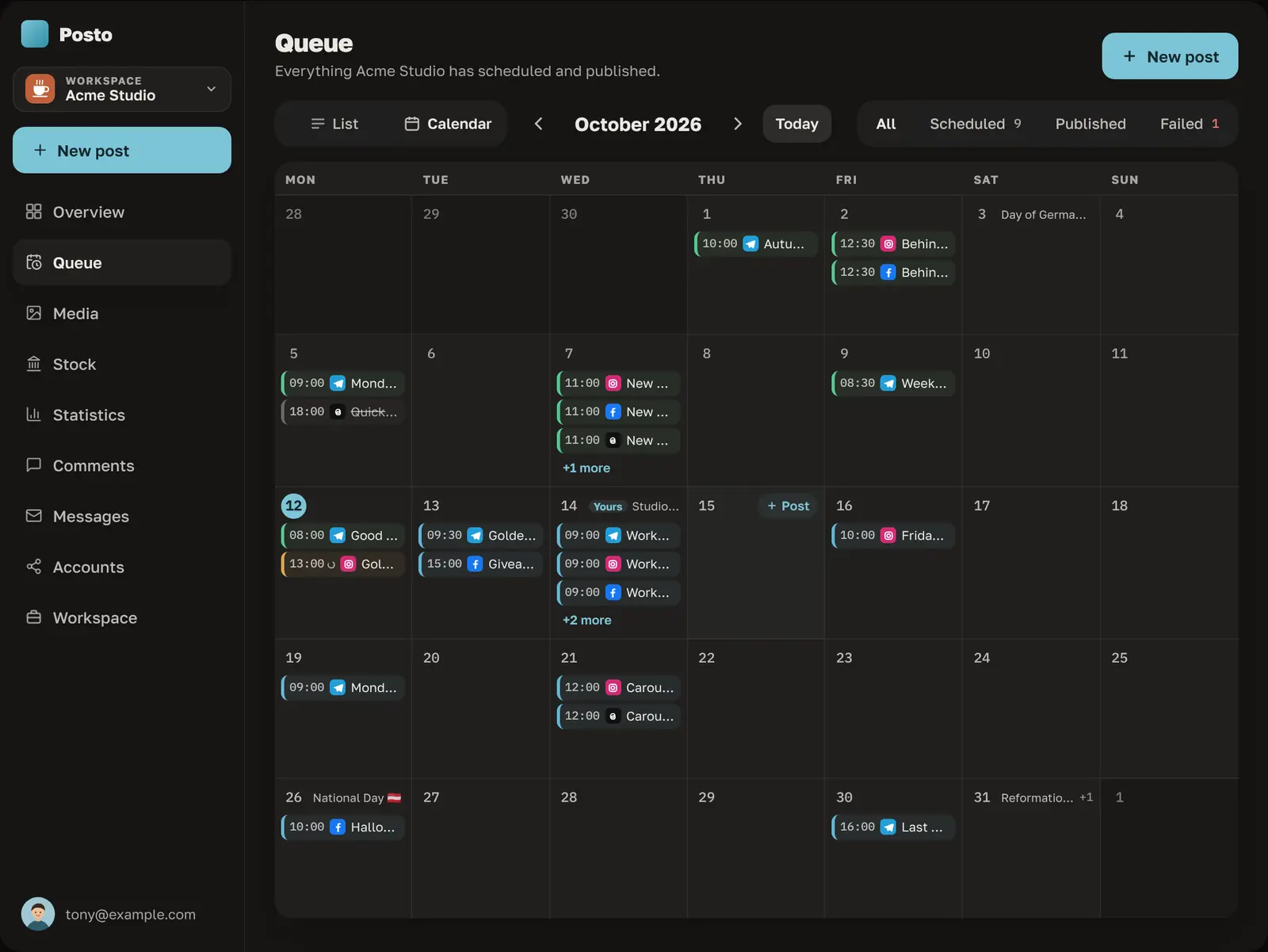
See what the client approved at a glance
Each client is a workspace. Posts that need the client wait in their own tab, and the reason a post came back is shown right on it.
Everything an agency needs
Built for running ten brands at once
-
Every network in one queue
Telegram, Instagram, Facebook, Threads, LinkedIn pages, X, TikTok, YouTube, Pinterest and more. One draft, cropped and adapted for each.
-
Client workspaces with their logo
Each client gets a separate workspace. Their logo on the approval page and on every report.
-
Short links and UTM tags
Short links with click counts in the stats. Show the client the traffic your posts brought.
-
Comments and DMs for every client
Answer every client’s comments and messages from the Comments and Messages screens, with saved replies.
Free in beta, on request An AI assistant suggests the replies.
-
Best time and competitor benchmarks
See when each audience is online and how the client compares with accounts they care about.
-
Clients’ own API keys
Plug in the client’s own X API key, so their usage is billed to them, not to you. Slack and Webhook notifications tell your team when a post is published, fails, or comes back from the client.
Free in beta, on request The client’s own AI key bills their AI usage to them, not to you.
Bloom & Knead · October
-
48,200
reach
-
5.9%
engagement
-
1,314
link clicks
Reach by week, thousands
Link clicks by network
Free in beta, on request What worked: Reels with the baking process got 2.4× the reach of photo posts. The week of Oct 22 peaked after the pumpkin launch; Instagram brought almost half of all clicks.
Reports
The report your client actually reads
Pick the accounts and the period once. Posto sends the PDF on the 1st, and gives the client a live link that is always up to date.
Free in beta, on request A short summary on top says what worked and what to try next.
Free in beta, on request We switch these features on when you ask. Write to hello@posto.run and name your workspace.
Early access
Bring your clients in while it’s free.
Posto is free while in beta. Agencies that join early keep founder pricing when paid plans start.
Questions
Before you move your clients
Does my client need a Posto account?
They get the Client role, which sees only their own posts and can approve or comment. No access to your other clients.
Which networks work today?
Telegram, Instagram, Facebook, Threads, LinkedIn profiles and company pages, X, Bluesky, Mastodon, Pixelfed, Pinterest, TikTok, YouTube, Discord, Slack and Viber channels. Google Business Profile and Snapchat follow as the platforms approve access.
Can I keep using my content plan spreadsheet?
Yes. Import from Google Sheets or CSV, and the posts land in each client’s time slots.